
Welcome to Wondr
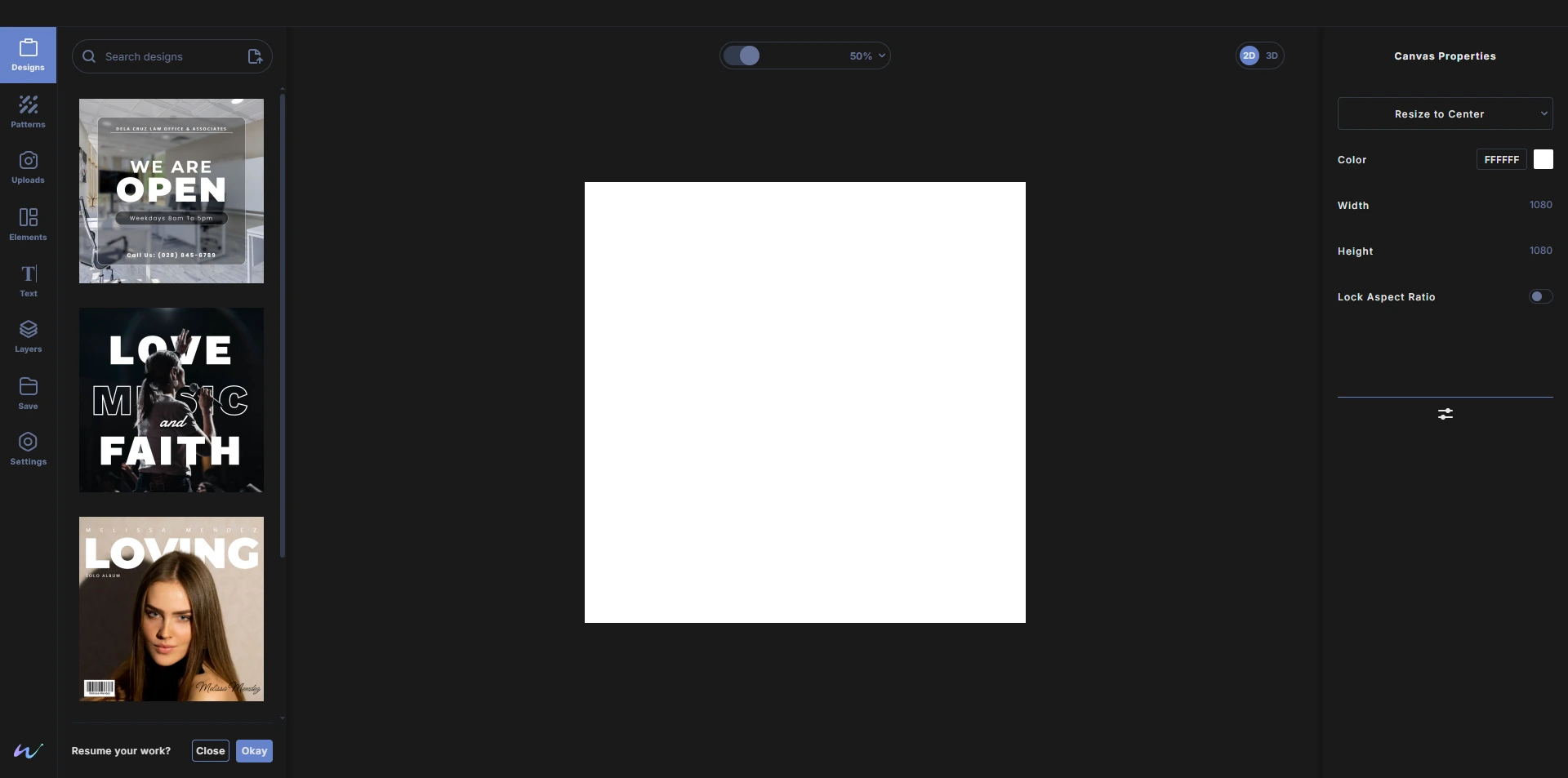
Wondr is a design studio that runs in your browser. Make social posts, posters, banners, digital designs and product visuals with layers and elements. Use our AI background removal feature, utilise 3D mockups and more. Export them as final image design or PDF file. There is nothing to install. Everything is ready for you.
What you can make
- Graphics for screen and print: posts, posters, banners, covers and more, on a canvas of any size you choose.
- Product visuals: place your artwork on a 3D product, light it and export the result.
- Patterns: use our pattern feature and customize spacing, scale, spin, presets and more.
- Clean cutouts: remove the background from a photo with AI, in a soft edge or a hard edge mode.
What is inside the studio
- Templates to start from, plus stock photos, elements and graphics. See Designs and Elements.
- Layers you can stack, reorder, lock, hide, mask and blend. See Layers.
- Vector shapes and SVGs with fills, strokes and gradients, and every part of an SVG recolorable. See Vectors and shapes.
- Typography with a large font library with styles, plus emojis and symbols. See Text.
- 3D mockups with lighting, 3D environment, SRGB to filmic, background blur, exposure controls, and more. See 3D mockups.
Your work stays yours
- Autosave: your design is saved to the cloud while you work. See Autosave.
- Wondr files: save your project as a
.wdrlocal file you keep on your computer, with its optional history if you like. See Wondr files. - Export: download PNG, JPEG, WEBP or PDF with no watermark. See Export.
- Your designs are never used to train AI.
How it works
- Sign in with your Google account.
- Create from a template or from the blank canvas the studio opens with.
- Export your design, or save it as a Wondr file to keep working later.
Using what you make
Exports have no watermark and you can use them for personal or commercial work, including designs made from templates. Stock photos follow the Pexels license. Templates and Wondr files open only in Wondr. See the Terms of Service for details.
Need help?
Email us at support@createwondr.io. You can also find the address in the studio: click the Wondr logo at the bottom of the toolbar.
Next, take a quick tour of the studio.