
Pattern properties
A selected pattern has three tabs: Pattern Properties, Pattern Style and Pattern Presets. Select a pattern from the Layers menu, because patterns have no handles on the canvas.
Pattern Properties
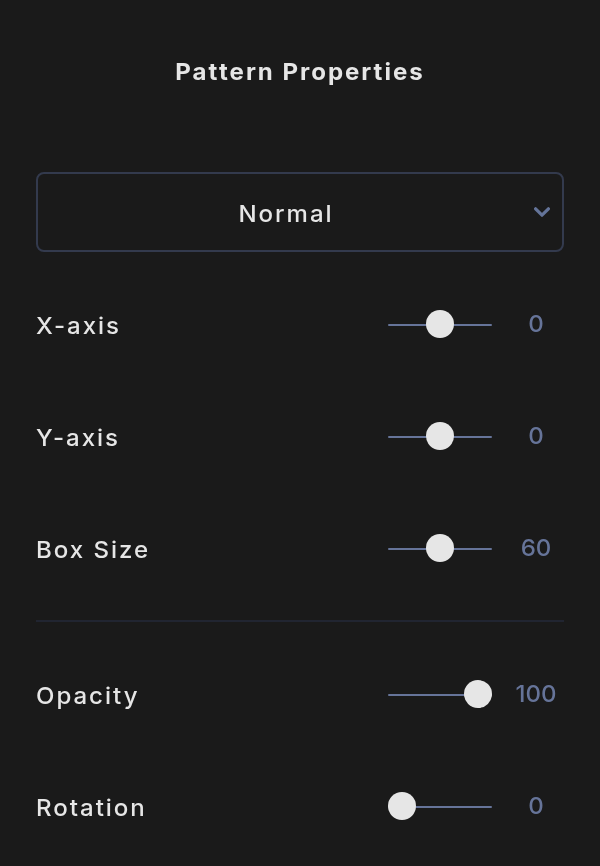
- Blend mode: the menu at the top. See Basic properties.
- X-axis and Y-axis: shift the whole pattern sideways or up and down, one tile at a time.
- Box Size: the size of each tile, from 20 to 100. Smaller tiles mean more of them.
- Opacity: 0 to 100.
- Rotation: turns the whole pattern, from 0 to 359 degrees.
Pattern Style
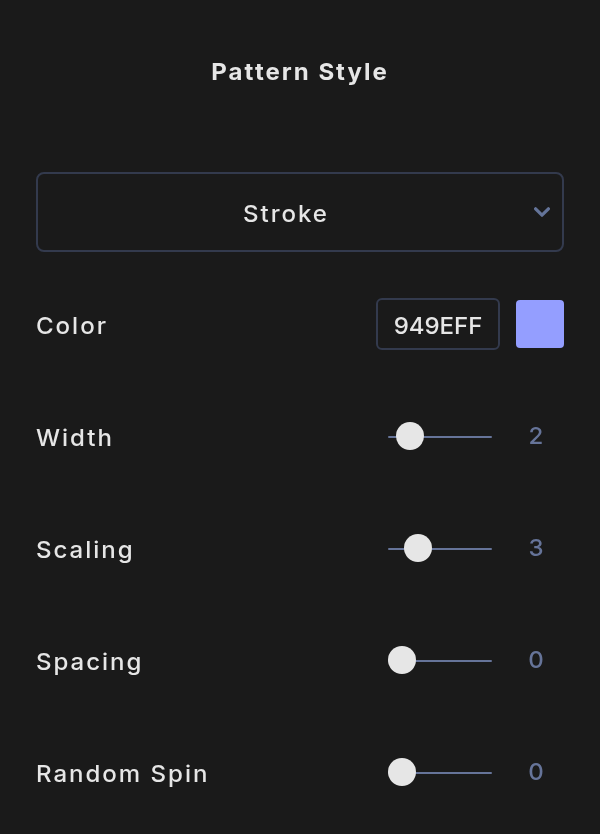
- Stroke or Fill: the menu at the top draws each motif as an outline or filled in.
- Color: solid or gradient.
- Width: the outline thickness, from 1 to 10. Hidden when you choose Fill.
- Scaling: how big the motif is inside its tile, from 1 to 10. At 10 it fills the tile.
- Spacing: adds empty tiles between motifs, from 0 to 5.
- Random Spin: turns each motif by a random angle, up to 90 degrees either way.
Pattern Presets
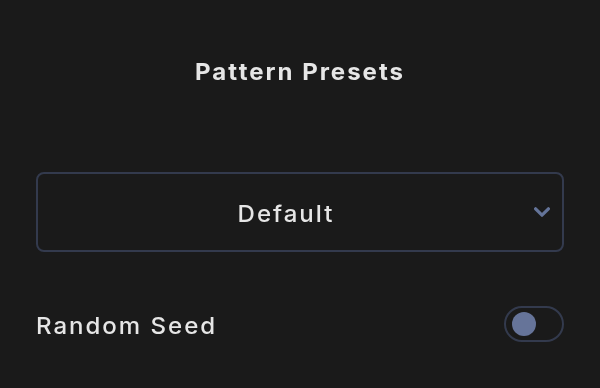
Presets change how the motifs are laid out across the canvas:
- Default: an even grid.
- Frame: only the outer ring of tiles, like a border.
- Margin: everything except the outer ring.
- Vignette: motifs grow toward the corners.
- Bloom: motifs are largest in the center.
- Cascade Down, Up, Left and Right: motifs grow in size across the canvas in that direction.
Turn on Random Seed to give each motif a random size, up to the Scaling value. Random Seed only works with Default, Frame and Margin. For the other presets, their sizes based on their flow.