
Designs
The Designs menu is where every project can begin. Browse ready-made templates, open one on your canvas, or bring back a Wondr file you saved on your computer.
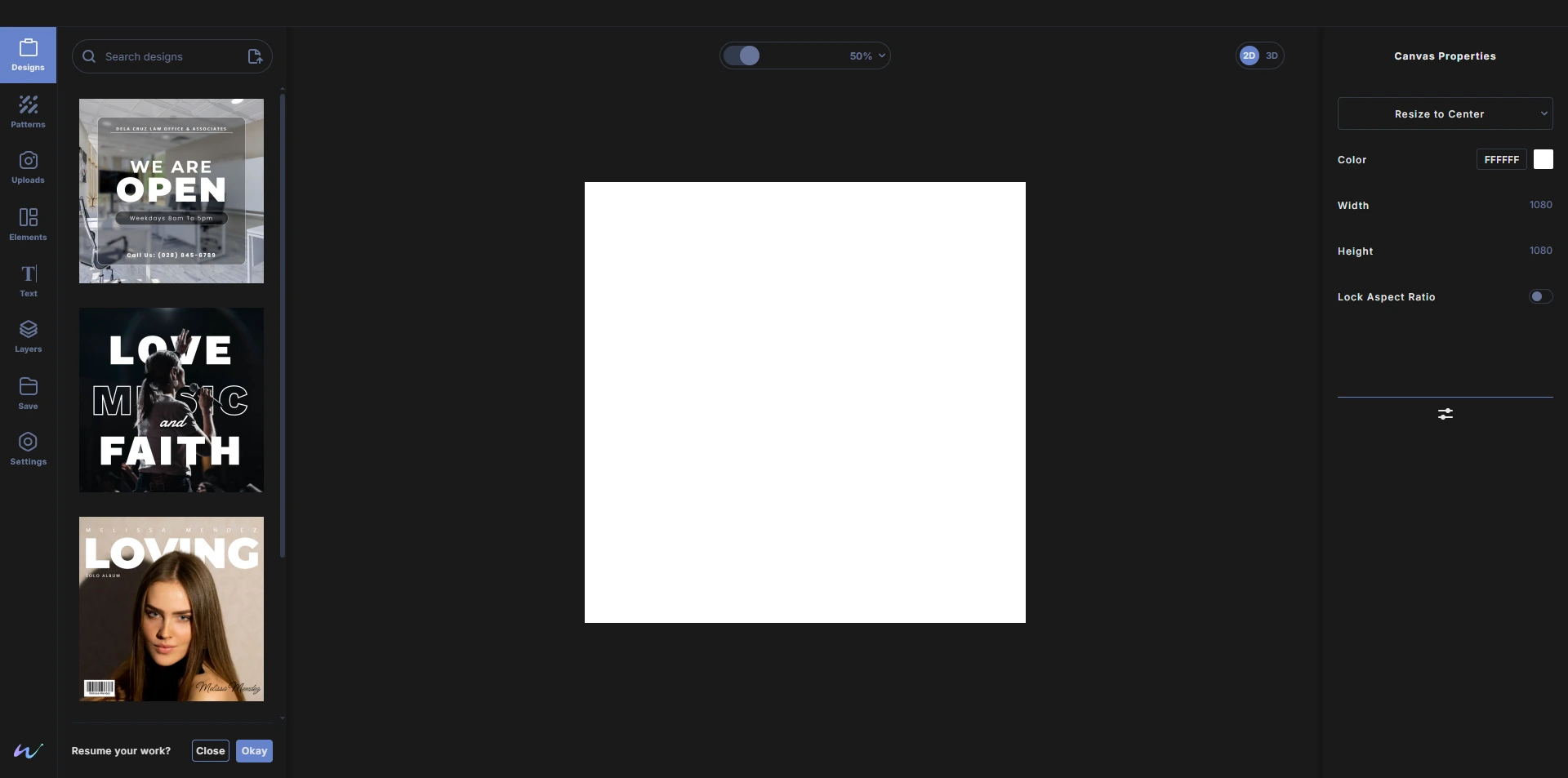
Open the Designs menu
Click Designs at the top of the toolbar on the left side of the studio. The menu opens next to the toolbar with a search box at the top and the template list below it.
Browse templates
Templates are listed one per row so you can see each design clearly. Scroll down the list to load more.
To see a template's name, rest your pointer on it for a moment.
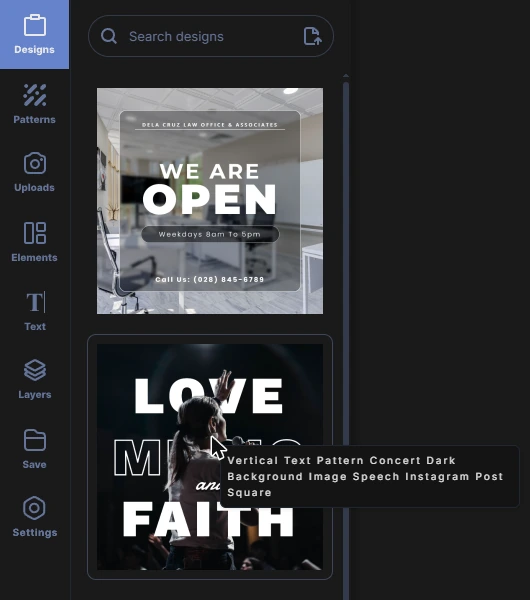
Open a template
Double-click a template to open it on your canvas. Every layer in the template stays fully editable: change the text, swap photos, recolor shapes and move anything you like.
Search designs
- Click the Search designs box at the top of the menu.
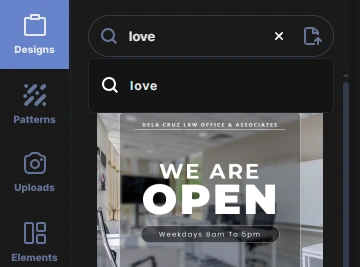
- Start typing a keyword. Suggestions appear below the box as you type.
- Press Enter or click a suggestion to search.
- Click the × in the search box to clear it and show all templates again.
Open a Wondr file from your computer
Click the file icon on the right side of the search box, then choose a Wondr file (.wdr) from your computer. The design opens on your canvas exactly as it was saved, including its undo history if it was saved with history.
Resume your work
When Wondr has autosaved work from your last session, the bottom of the Designs menu asks Resume your work?
- Click Okay to bring your last autosaved design back onto the canvas.
- Click Close to start fresh. Your next changes will then be autosaved in place of the older work.
Using templates in your work
Designs you make from templates can be exported and used for personal or commercial work. Templates and Wondr files open only in Wondr. See the Terms of Service for details.